Holiday gift: Typewriter sounds
The first words I typed were not on a computer keyboard or a glass screen, but on an old mechanical typewriter. I loved that machine and produced quite a few home newspapers, stories, and essays on it. I still remember the satisfying sound of the keys striking the paper and miss that feeling when typing on modern devices.
Some of that clicky experience can be brought back with mechanical keyboards – they also click loudly, but don’t strain your fingers as much.
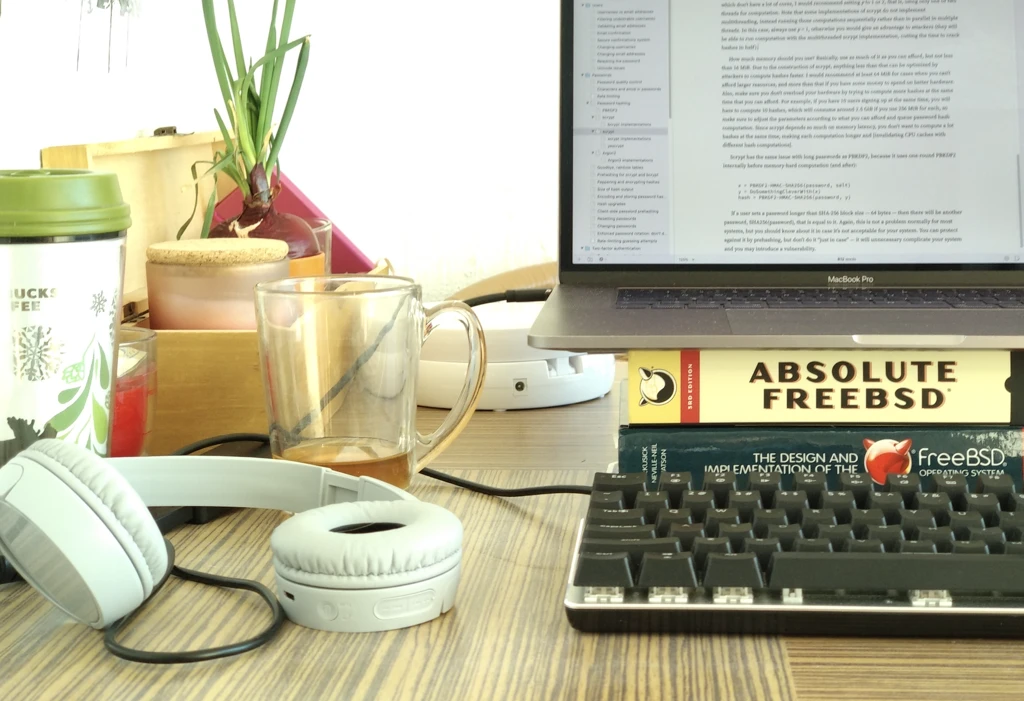
However, many people today type on mushy laptop keyboards or touchscreens, which don’t provide this satisfying auditory feedback. This is why I’ve added optional typewriter sounds to I Write Like.
Typewriters produce sounds in various ways, and simulating them correctly in software is not as easy as just playing a sound effect when a key is pressed:
- When a letter is pressed, the typebar strikes the paper through an inked ribbon, producing a “clack” sound.
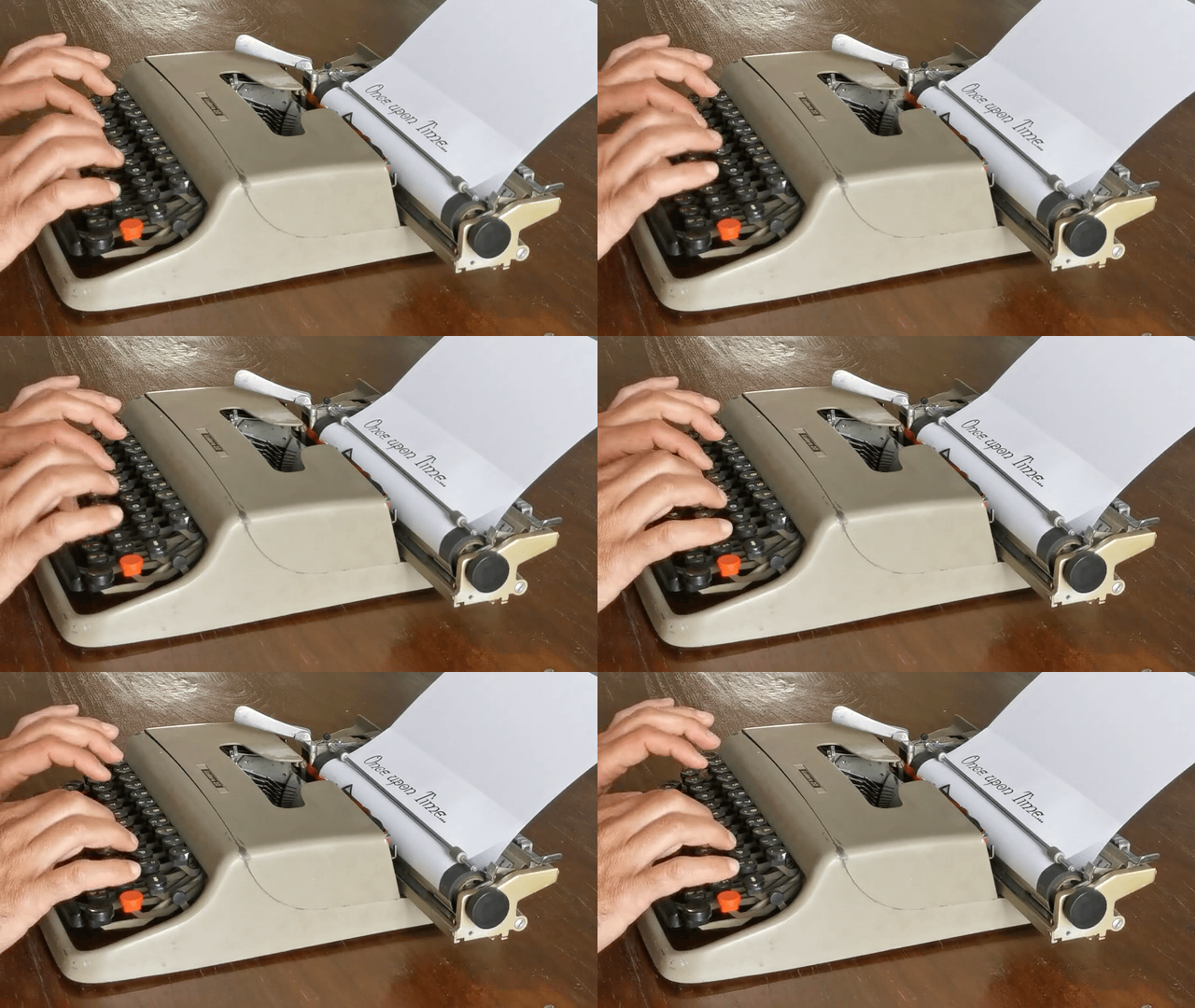
When the spacebar is pressed, it produces a softer “thud” sound since it moves the carriage without striking the paper.
When the Shift key is pressed, it makes a distinctive “clunk” sound as the type basket shifts to type uppercase letters. Another sound is produced when the Shift key is released, as the type basket drops back to lowercase.
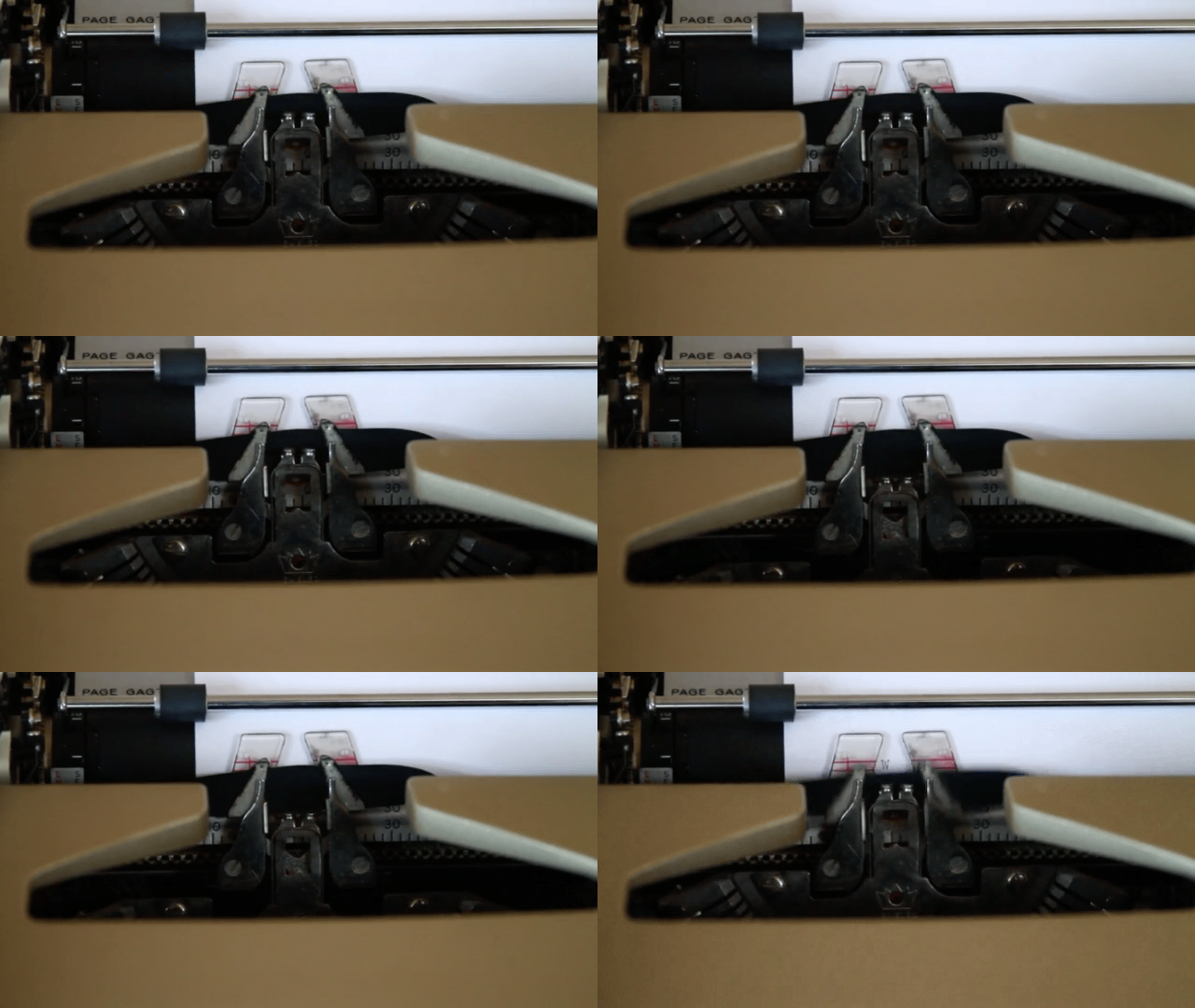
When the carriage reaches the end of a line, a bell rings to signal that it’s time to return the carriage. The bell is not implemented in I Write Like, because our lines are virtually infinite and wrap automatically.
When the carriage return lever is pulled to go to the next line, it produces a distinctive sound as the carriage moves back to the starting position. This is implemented in I Write Like when you press Return. The duration of this sound depends on the length of the line, just like on a real typewriter – the longer the line, the longer it takes for the carriage to move back.
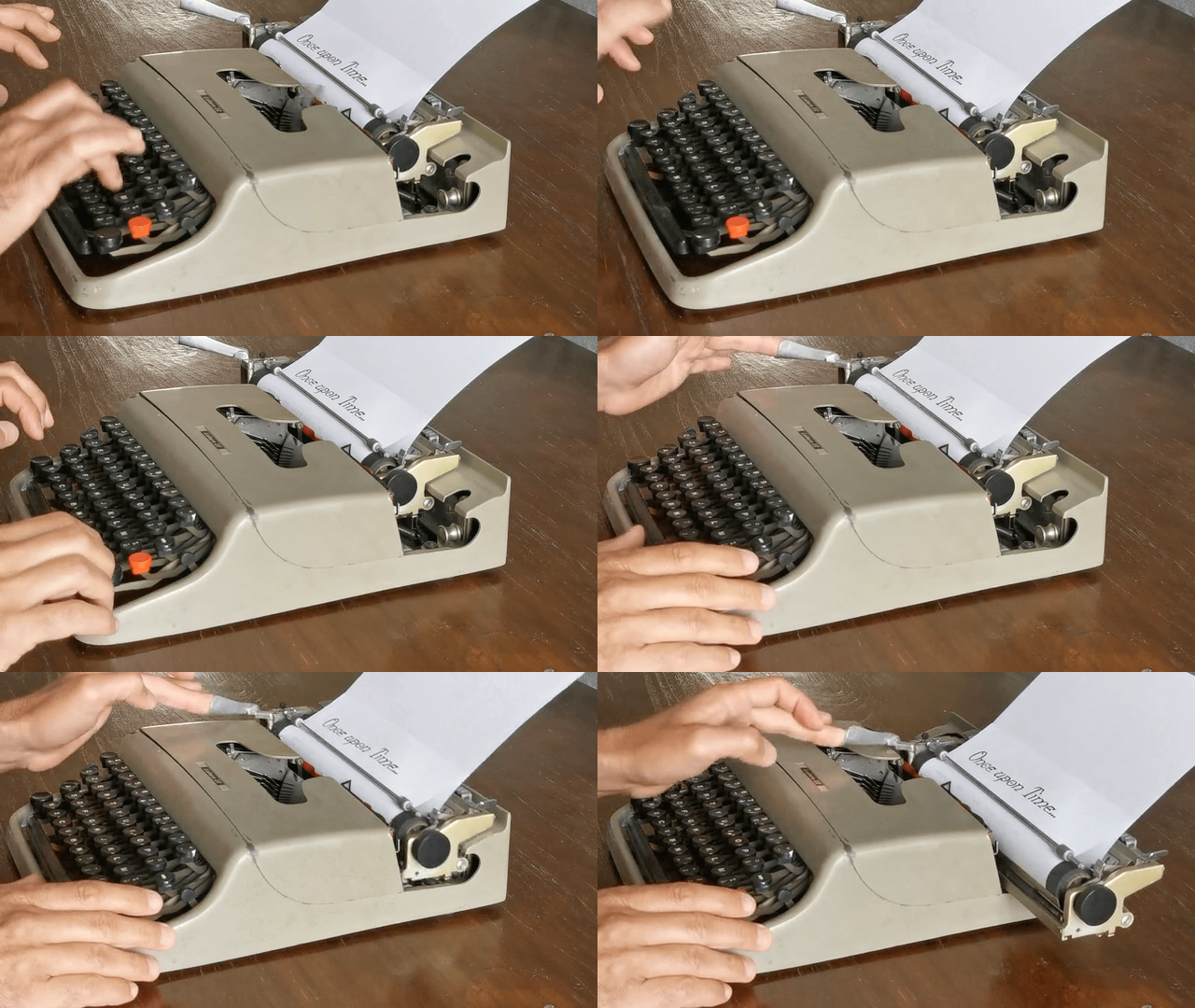
- Scrolling up or down produces a soft “whirr” sound as the platen rotates to move the paper up or down. This is implemented in I Write Like when you press Up or Down arrow keys. (Right or Left arrows simulate horizontal scrolling, which is performed by moving the carriage left or right, which produces a different sound.)
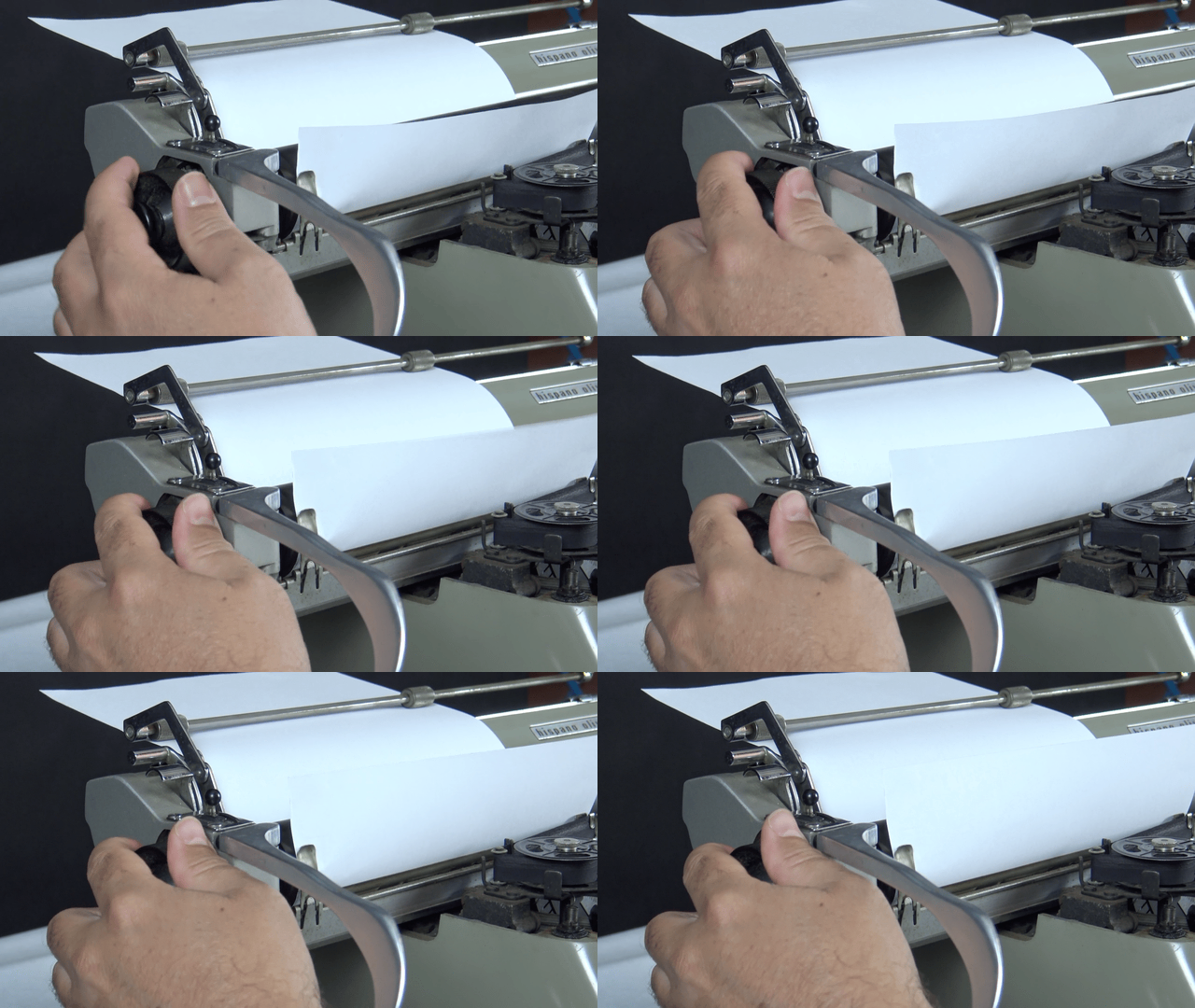
Since you cannot hold down keys on a typewriter like you can on a computer keyboard and expect it to repeat, I Write Like will rate-limit some of the repeating key sounds so that you don’t hear a continuous stream of clicks when holding down a key.
As you can see, we went all the way to simulate authentic typewriter sounds. You can enable them in Settings or via the Focus Modes toolbar button.
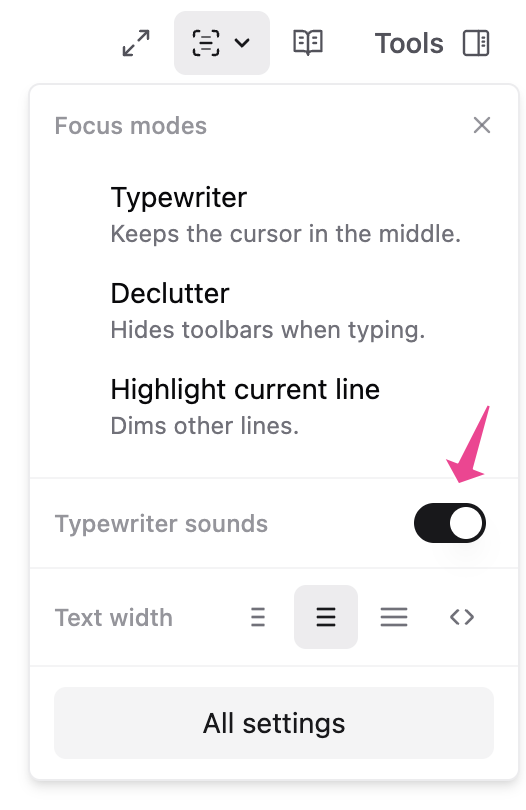
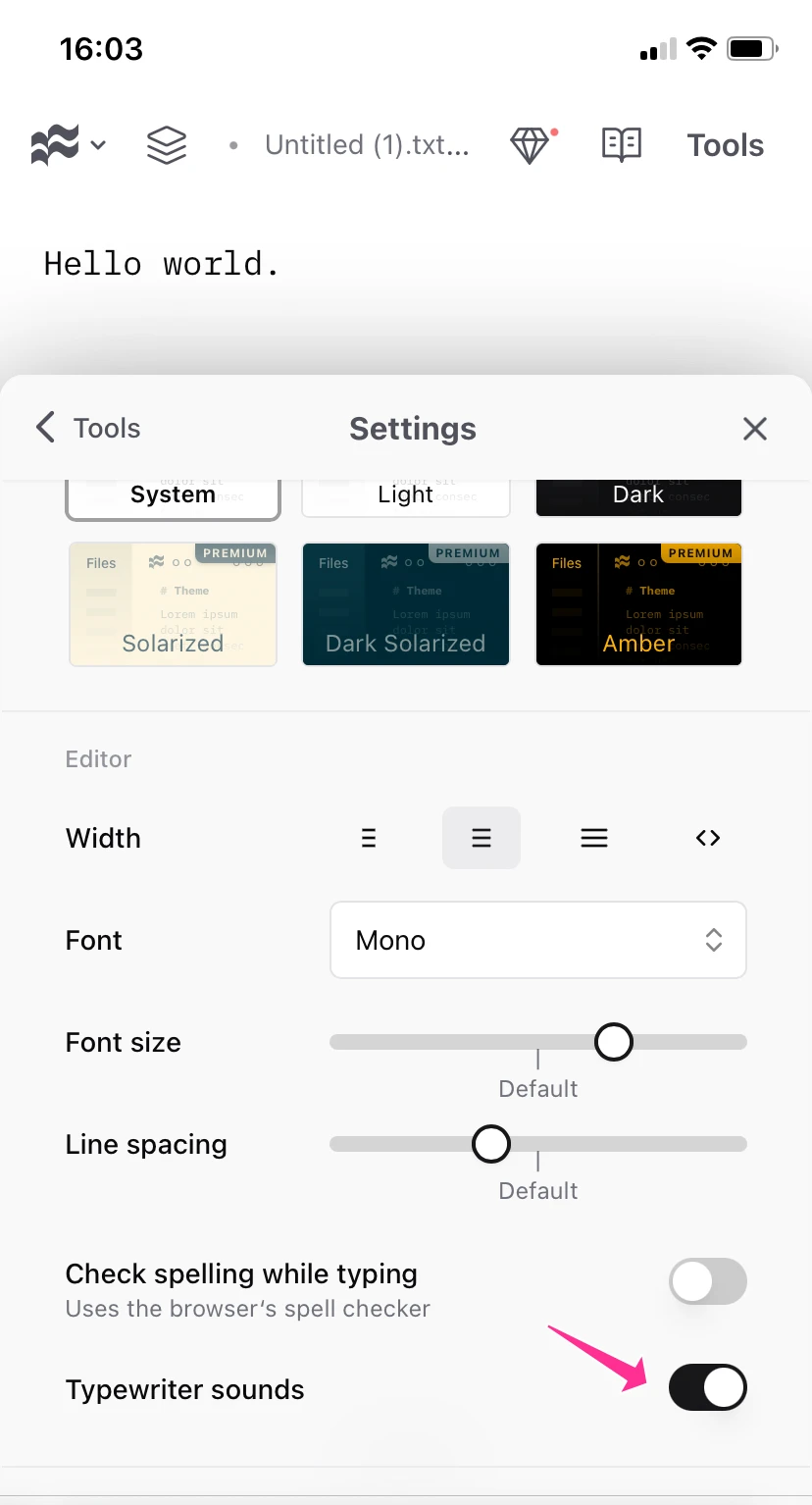
As our holiday gift to you, typewriter sounds – an IWL Premium feature – are free to use online during the holiday season until early January. They are also available in our Mac and iOS apps.
Enjoy the nostalgic typing experience and happy holidays!
Video credits: Antonio, Lisa Redfern, Yeray Saavedra Ruiz from Pixabay.